Maple for Windows: Encrypted AI, Now on Every Desktop
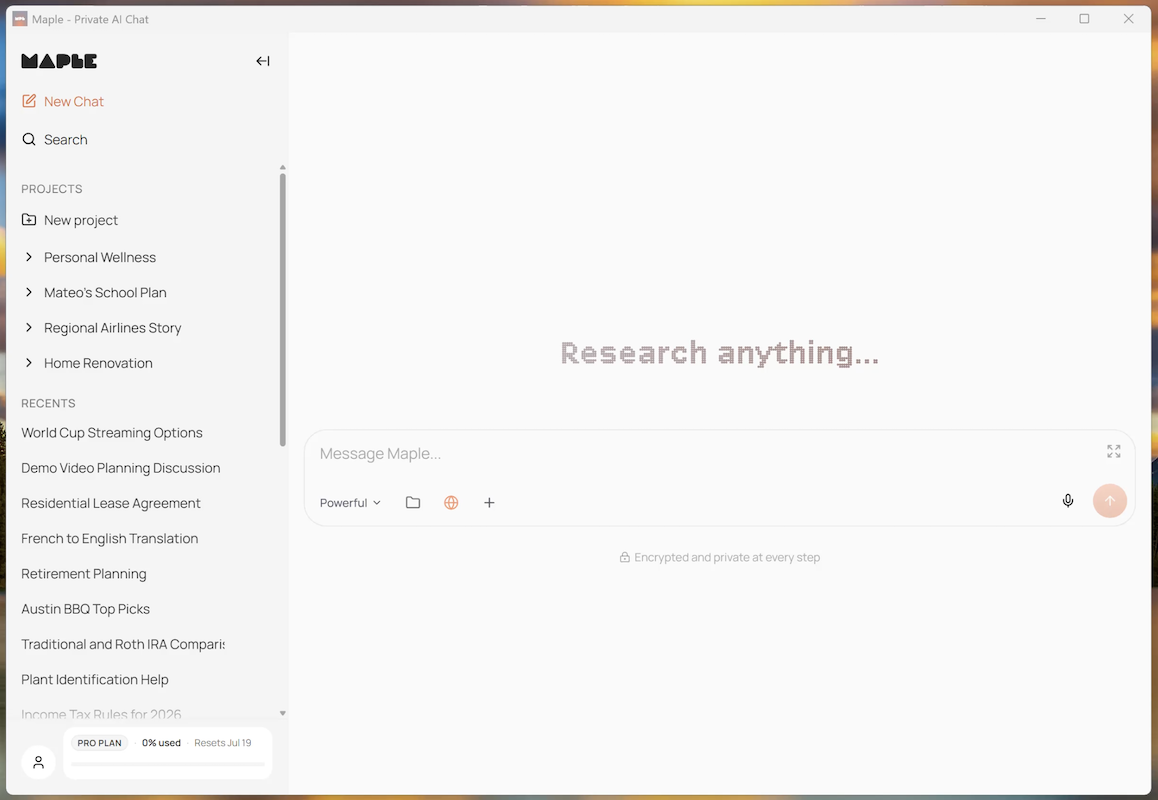
We've heard you. Today, Maple is officially available for Windows.
This completes our platform lineup. Maple now runs on web, iOS, Android, macOS, Linux, and Windows. Wherever you work, your private AI workspace is there.
Do More with the App
Aside from living outside a browser tab, there are big benefits to running the Windows app.
File Upload
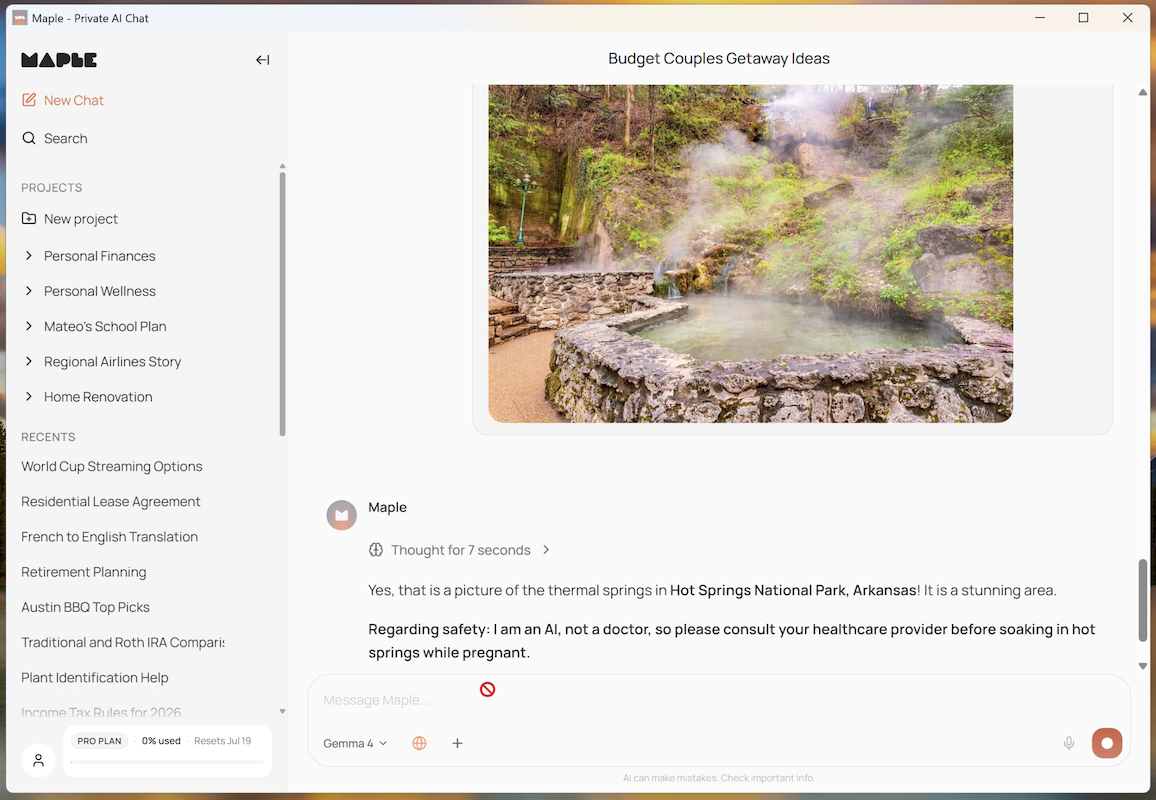
With the Windows app, you can now upload PDFs, images, and other documents directly into your Maple chats. Review contracts, analyze research papers, or go through client files without leaving your workflow. Your files are encrypted on your device before they ever reach our servers, processed inside Trusted Execution Environments, and never used to train anyone's model.
Voice
You also get the full voice experience. While the web version lets you speak to Maple, the app is where Maple speaks back. Click the speaker to hear your responses read aloud while you work.
Maple Proxy API
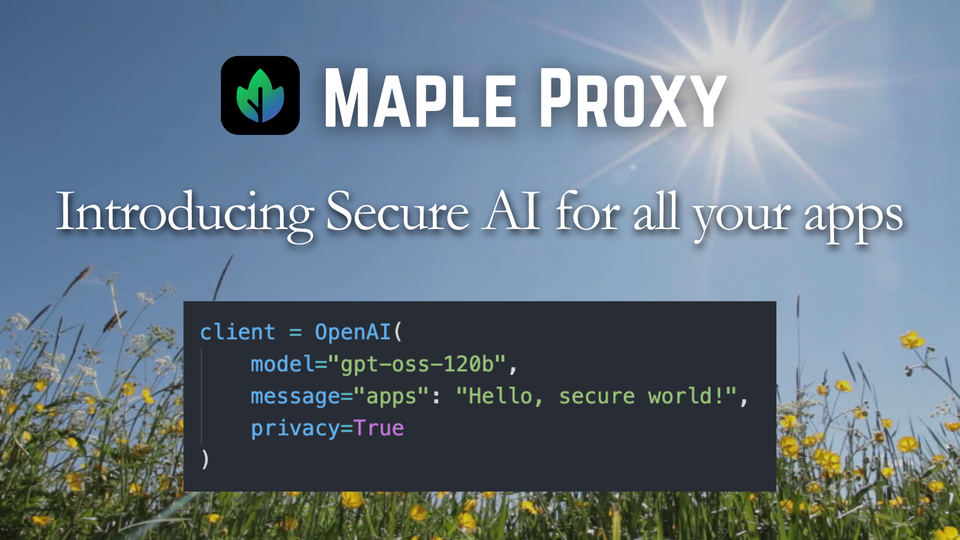
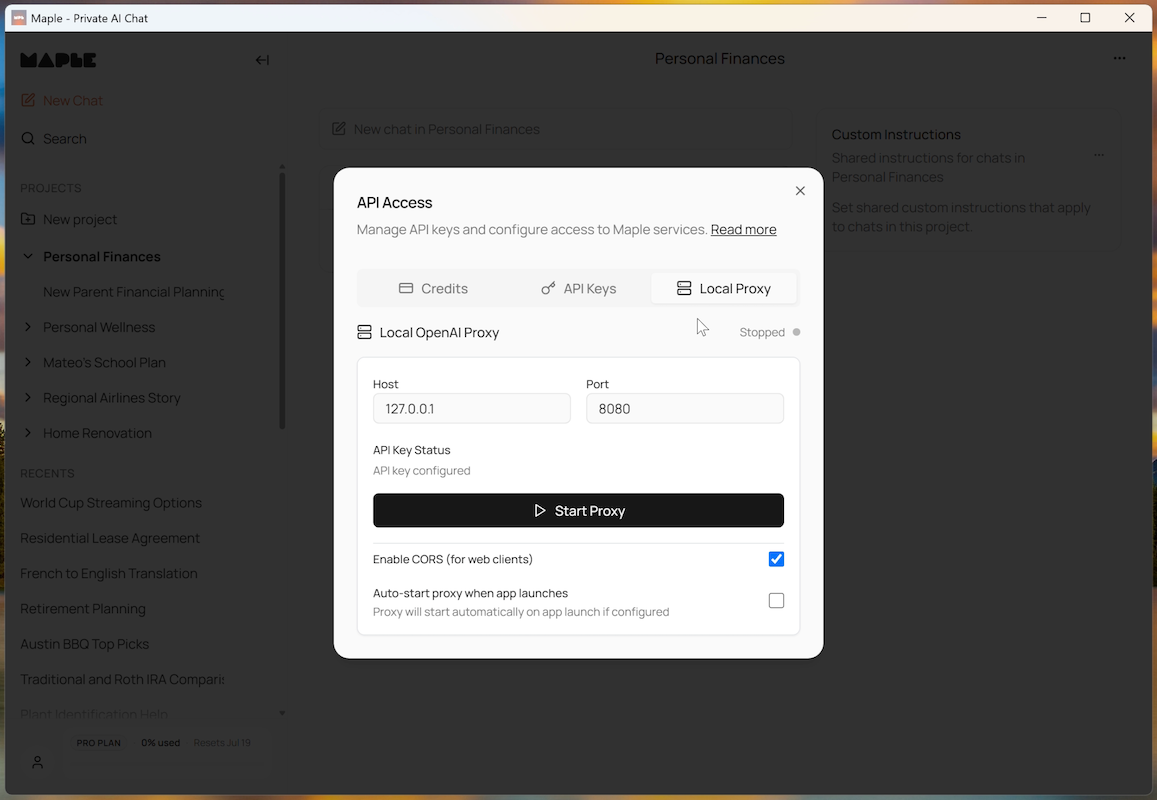
API access for developers, right in the app. Maple Proxy runs a local, encrypted API endpoint that gives you OpenAI-compatible access to Maple's private LLMs. Drop it into your existing code and tools without sharing your data with AI labs. It runs from your Windows desktop with the same end-to-end encryption and TEE guarantees as the rest of Maple.
Built for Professional Workflows
Windows remains the standard in industries where software requirements run deep. Accountants only trust QuickBooks on Windows, and for good reason. The Mac version has always been a second-class citizen. Legal teams rely on practice management tools that were built for Windows first and ported everywhere else as an afterthought. Financial advisors work with compliance-heavy platforms that don't even bother with a macOS version.
Maple fits into these environments naturally. It brings private AI into workflows that already demand strict data controls and regulatory compliance. Your conversations and files stay encrypted end to end. Our code is open source so you can verify our privacy claims yourself.
The Same Maple, On Your Taskbar
The Windows app gives you everything Maple users on other platforms already have:
- Long-form reasoning and web research
- Document and image analysis
- Project workspaces with custom instructions
- Pinned chats for quick reference
- Live Data with private, anonymous search
All of it with the same end-to-end encryption and zero data sharing that Maple has always delivered.
Download Now
Maple for Windows is available today for all users, free accounts included. If you're already a Maple user, sign in and your chats and projects will sync automatically. If you're new, you can get started in under a minute.
Your data stays yours. Your thoughts stay private. And now, your platform does too.